How to Install EFT Hacks on Windows PC
Short checklist after checkout. Follow the order, then confirm Status before a real raid.
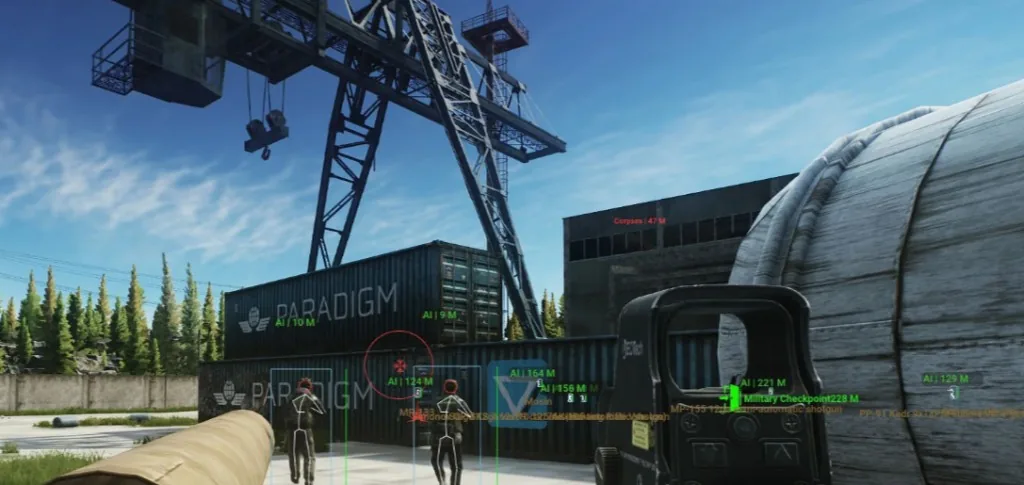
Before you download
You need Windows 10 or 11, a completed order, and the email with your license and loader link. Close overlays you do not need (extra Discord GPU overlays, random “boosters”) so the first inject is cleaner.
The long-form guide lives on Setup. Use this thread when you want a forum checklist next to buyer comments.
Install checklist
1. Download — save the loader outside your Escape from Tarkov install folder. Do not unpack into BattlEye or game directories.
2. Run as admin — right-click → Run as administrator on the first few launches.
3. Allow in Defender — if Windows quarantines the file, restore it and add an allow rule for that path.
4. Launch the game — get to the main menu, then inject with the loader.
5. Enable one module — start with player ESP only. Confirm it draws, then add loot or soft aim.
6. Status — open Status after any game or BattlEye patch before you queue.
If something fails
Hung loader: reboot, run as admin, try again with Discord overlay off. Still stuck? Email Support with your order ID and Windows version.
ESP not showing: make sure you injected after the main menu, and that the module toggle is on in the menu. Check Status if a patch just shipped.
After you are in
Save a config once your first setup feels good. On patch day, wait for Status, update only if delivery says so, then smoke-test ESP in an offline or low-stakes run.
Next step
Read the setup guide and hotkeys, then buy EFT Hacks when Status is live for your build.
Discussion
Loading discussion…