How to Install EFT Hacks on Windows PC
Short install path after you buy EFT Hacks. Follow the order below on Windows PC and check Status after every Escape from Tarkov or BattlEye patch.
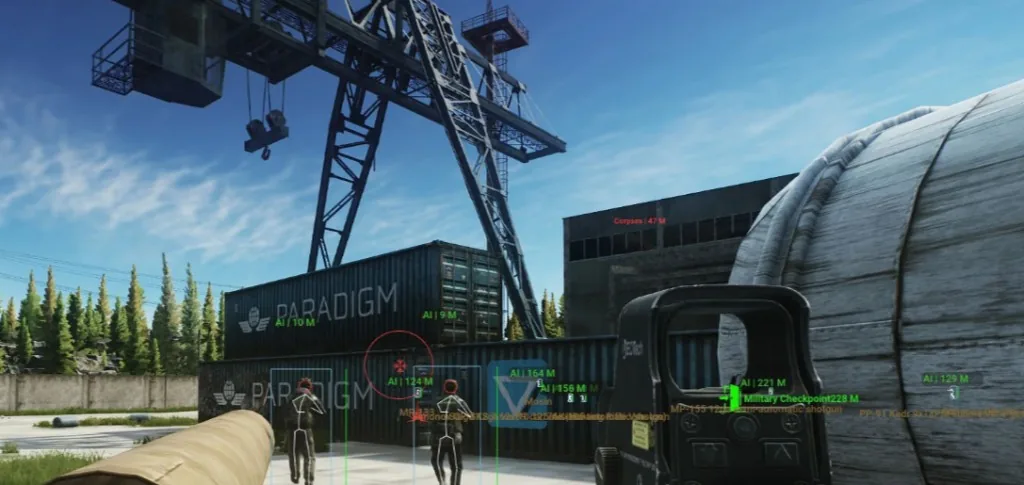
What you get when you buy
Checkout sends you to payment, then you receive a license and loader download by email. This is digital delivery for Windows PC only.
Full written steps also live on the Setup page. Use this thread as a quick forum checklist.
Install checklist
Download — save the loader outside your Tarkov install folder.
Run as admin — Windows 10 or 11; allow the loader in Defender if prompted.
Launch Tarkov — start the game, then inject with the loader.
Enable one module — start with player ESP, then add loot or soft aim.
Status first — read Status before patch-day raids.
Next step
Read the setup guide and hotkeys, then buy EFT Hacks when Status is live for your build.
Discussion
Loading discussion…